
Transportation Digital Signage for Transit & Airports
Power passenger information systems in airports, train stations, transit hubs, and bus terminals. Display schedules, wayfinding, safety announcements, and advertising with rock-solid uptime.

Why transit operators choose E Display
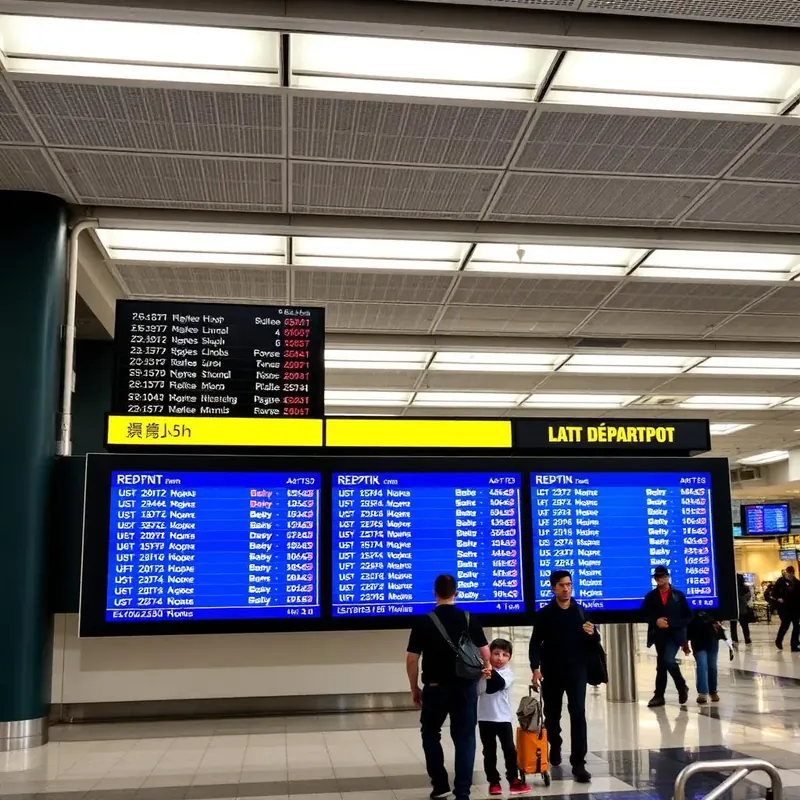
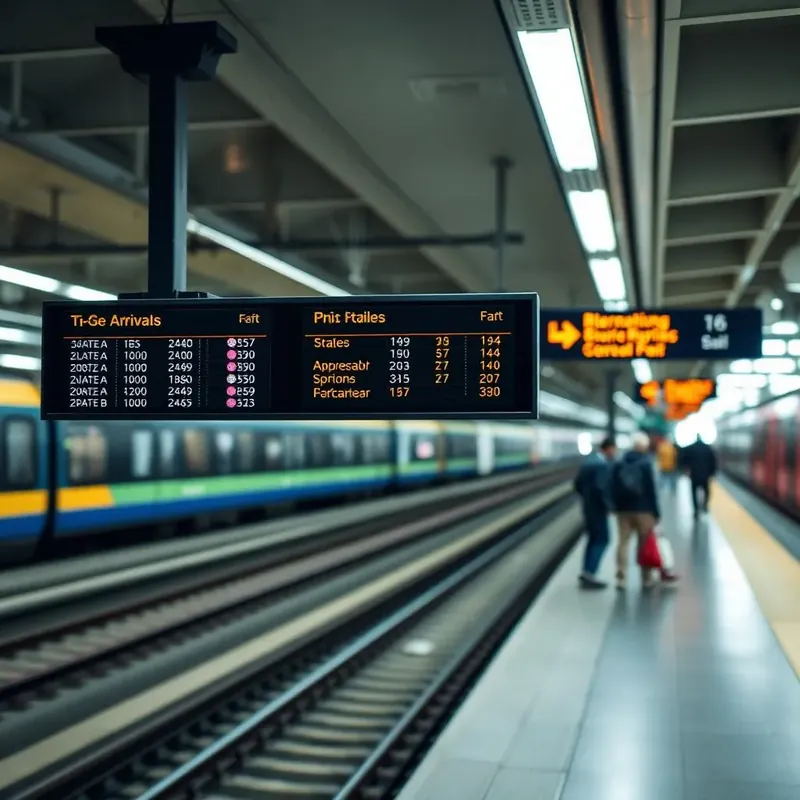
In a terminal, information is the service. A passenger who can see the next departure, the right platform, and the walking time to their gate does not queue at the help desk. E Display transportation digital signage powers passenger information displays across airports, train stations, bus terminals, and transit hubs, schedules, gate and platform changes, wayfinding, and safety notices.
Every screen runs on our compact digital signage media player, or on our player app installed on any supported device, and takes live schedule and status data from your operations feed, so departures, delays, and platform reassignments update themselves. Wayfinding screens and directories guide passengers between concourses, dayparting matches content to peak and off-peak flow, and a service disruption or safety announcement can take over every screen in the network in one click.
Uptime is the requirement, so offline caching keeps schedules and wayfinding on screen when a network segment drops, and screens recover automatically after a power event. Unsold screen time can be sold as advertising inventory with proof-of-play reporting for each advertiser, turning the passenger information network into a revenue line.
Transportation digital signage software is $8 per screen per month billed annually, with a free media player included on new annual license activations, see full pricing, browse the free signage templates you can adapt for your screens, or read about our digital signage media player that runs them.
Passenger information displays for every part of the journey
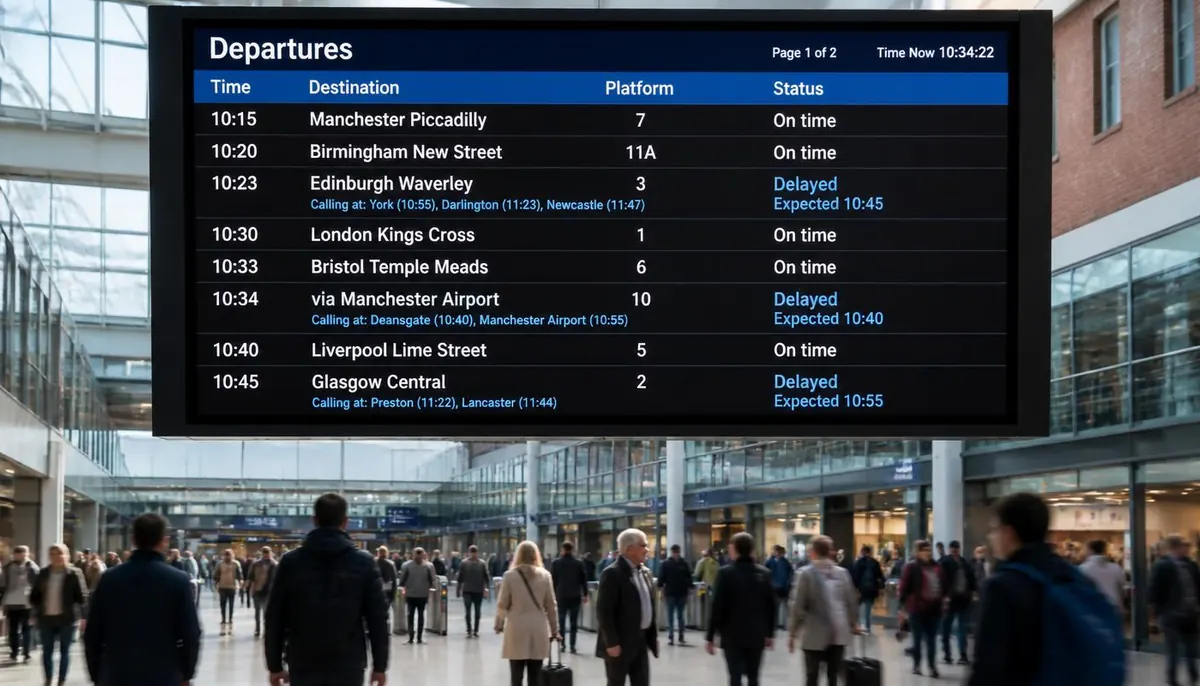
Departure and arrival boards pull live times, platform and gate assignments from your scheduling feed. Platform and gate screens show the next service and boarding status, fare and ticketing screens explain routes and payment options, and baggage claim displays match each carousel to its arriving flight.
Wayfinding screens and retail and dining directories guide passengers between concourses, while an urgent alert can override every screen in a station or the whole network until it is cleared.
Planning a transit signage rollout
Start with live departure boards and emergency alerts, since they have the biggest effect on passenger experience and safety. Add wayfinding, directories and advertising screens once the core schedule system is in place.
Plan for bright, large screens that read from a distance in crowded halls, durable hardware with remote monitoring for 24/7 operation, and one dashboard that manages every station so a network-wide alert or a single platform update takes seconds.
Deploy in minutes
Plug in a TX9 TV Stick, sign in, and start publishing to any screen.
Beautiful by default
Free template library and drag-and-drop editor — no designer required.
Enterprise-grade
Encrypted delivery, role-based access, and 99.9% uptime SLA.
Measurable ROI
Track dwell time, playback proof-of-play, and campaign performance.
What's included
- Real-time schedule and gate updates
- Multi-language passenger info
- Advertising and sponsorship zones
- Emergency and safety overrides
- 24/7 monitoring and failover
Why teams choose it
Reduce passenger anxiety
Clear information at every touchpoint.
Ad revenue upside
Monetize screen inventory with dynamic ads.
Operational resilience
Local caching keeps screens live if network drops.
How transit passenger information displays work
Three steps from unboxing to a live screen. No IT ticket, no proprietary hardware, no month-long deployment.
Plug in the TX9
Connect the TX9 TV Stick to any TV screen, connect to Wi-Fi, and register it to your E Display CMS account with a 4-digit code.
Design & schedule
Pick a free template or upload your own content, then set playlists, dayparts, and location targeting from the cloud dashboard.
Go live everywhere
Publish to one screen or thousands with a single click. Real-time proof-of-play confirms every screen is on-brand and on-time.
"The reason I am so happy with the E Display Signage is the amazing customer support I have received. The chat is very responsive and callbacks are very quick. The techs are able to solve any problem very quickly. The implementation of the device and software is relatively easy and the price compared to other solutions is very attractive."
Transportation digital signage FAQs
What is a passenger information display?
A passenger information display is a screen showing live departure and arrival times, platform or gate assignments, delays and service disruptions, wayfinding, and safety announcements. E Display drives these screens from a cloud dashboard and updates them automatically from your schedule feed.
Can screens pull live schedule and delay data?
Yes. Real-time schedule, gate, and status information can be fed in from your operations system or an API so departures boards update themselves, with manual override available for staff when needed.
What happens if the network goes down?
The TX9 player caches content locally, so the last published schedules, wayfinding, and safety content keep playing through an outage and re-sync automatically once connectivity returns.
Can we sell advertising on our screens?
Yes. Reserve zones or slots for advertising alongside passenger information, schedule campaigns by daypart and location, and give each advertiser proof-of-play reporting on what actually ran.
How much does transit digital signage cost per screen?
Software is $8 per screen per month billed annually ($96 per screen per year), with a free media player on new annual license activations. Large networks are quoted with volume pricing and onboarding support, contact us for a terminal-wide rollout estimate.
Can we override every screen during a service disruption?
Yes. An emergency or disruption message takes over the whole network, or a selected station, concourse, or platform group, in one click, and releases back to normal content when cleared.
Ready to modernize your transportation screens?
Get a personalized demo of E Display for transportation, see how easy it is to launch, schedule, and scale digital signage across every location.


